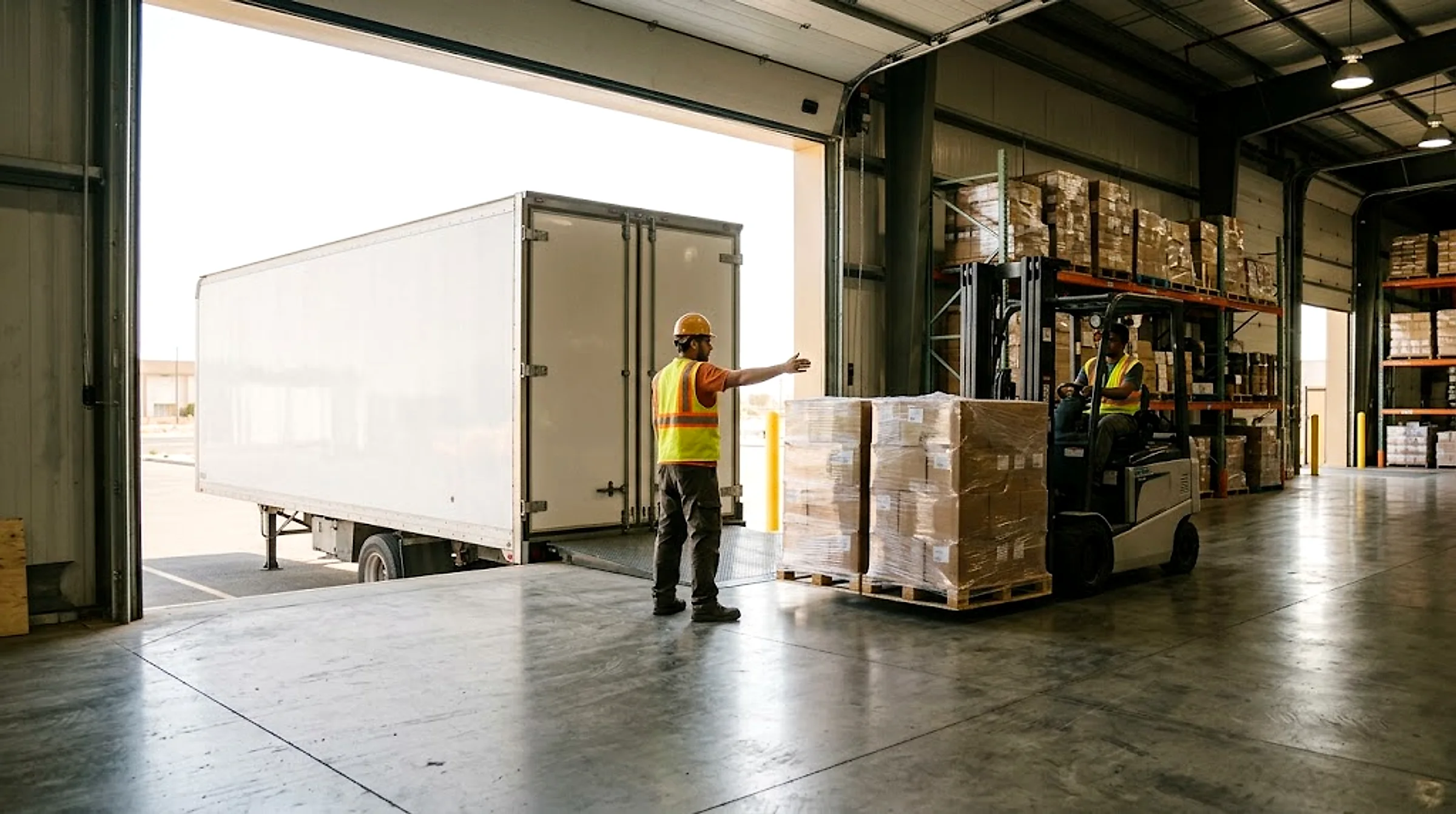
Warehousing
Move goods between warehouses and receiving points at an upfront price, with proof of delivery on every shipment.
Moving goods in and out of a warehouse needs trucks that load and unload fast at the dock, with clear proof for every delivery. On Mirabk you book the right truck for the shipment size at an upfront price shown before booking, track it to the dock, and the receiver confirms delivery with a code, a photo and a location.
Typical loads
- Palletized warehouse goods
- Inbound and outbound dock shipments
- Cargo needing fast side-loading
- Transfers between a company's own warehouses
Recommended trucks
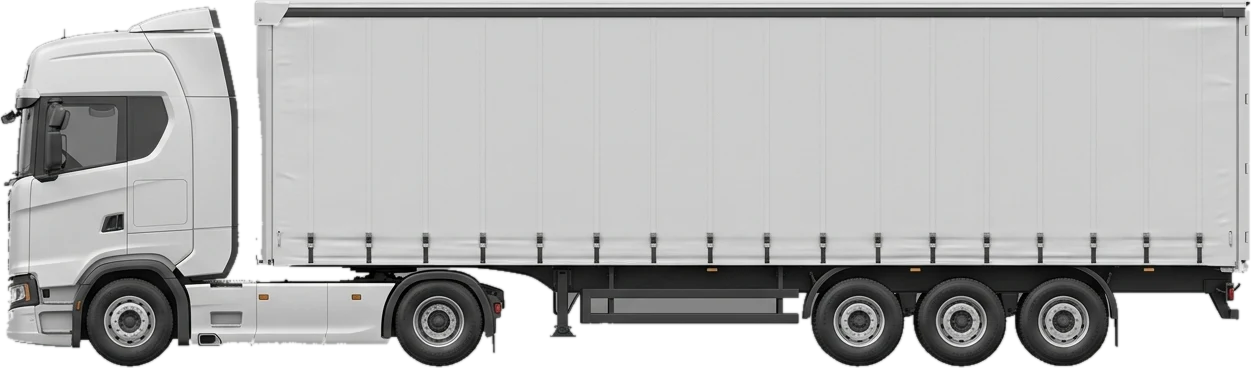
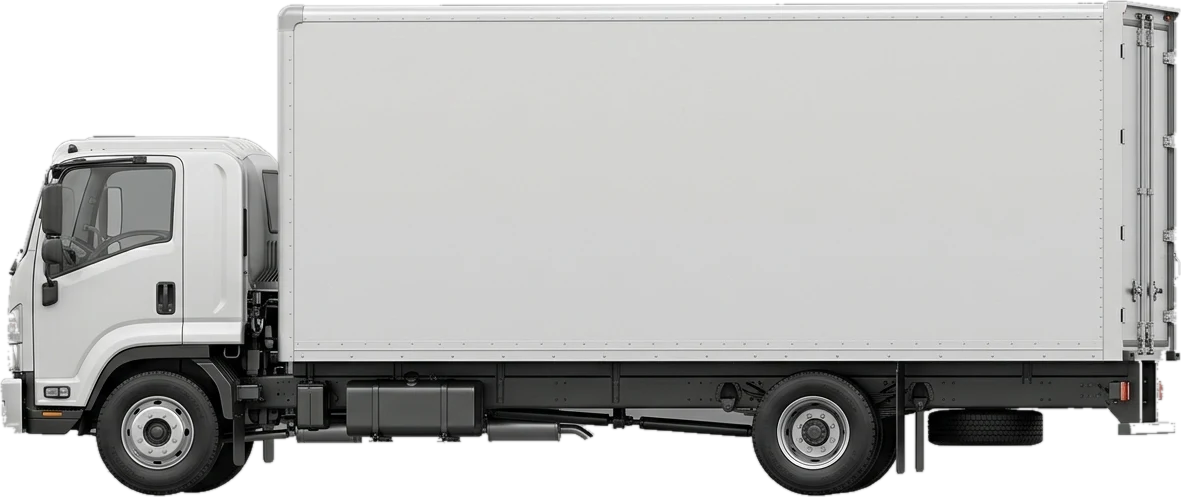
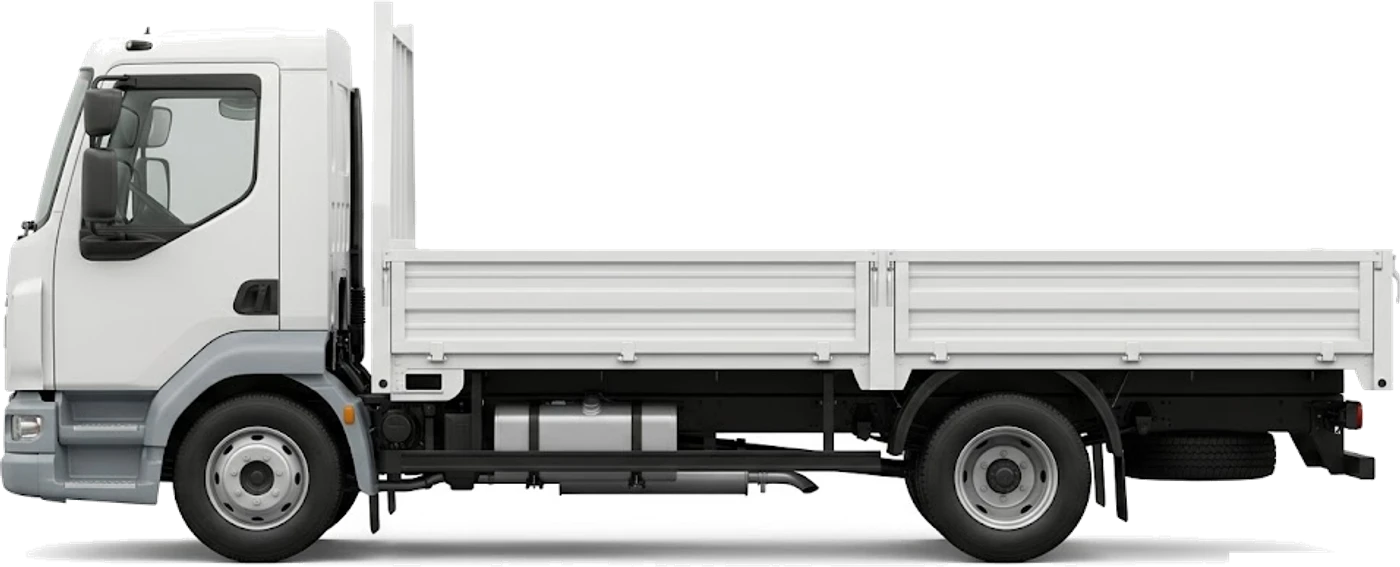
Checklist before you book
- 01Decide the loading method — rear or side — and pick the matching truck type
- 02Have pallets and lifting equipment ready at the dock before the truck arrives
- 03Give the destination warehouse a contact to confirm receipt with a code
- 04Watch dock waiting time to avoid a waiting charge after the free window
Frequently asked questions
Warehousing
What truck suits side-loading at a warehouse dock?
A curtain-side trailer — it opens from the side to load and unload pallets straight from the dock.
Can goods move between two of the same company's warehouses?
Yes — set the pickup and drop-off in the app, and an upfront price appears before booking regardless of which two points.
How do I get proof the shipment was received at the warehouse?
The receiver confirms with a code, backed by a photo and location recorded automatically as proof of delivery.
What happens if the truck waits a long time at the dock?
There's a free loading window, after which a waiting charge applies — so it pays to have the dock ready before the truck arrives.
Related guides
Proof of delivery for B2B shipments: why it protects your business
Confirmation codes, photos, timestamps: how documented proof of delivery prevents billing disputes and proves a shipment arrived intact.
How truck owners in Saudi Arabia find steady loads without chasing brokers
A guide for truck owners and owner-operators: cut empty return trips, keep your documents ready for verification, and get paid on delivery.
Book warehousing freight — your price shows before you book
Pick the truck and the route in the app, and your price appears and locks for that load before you book.