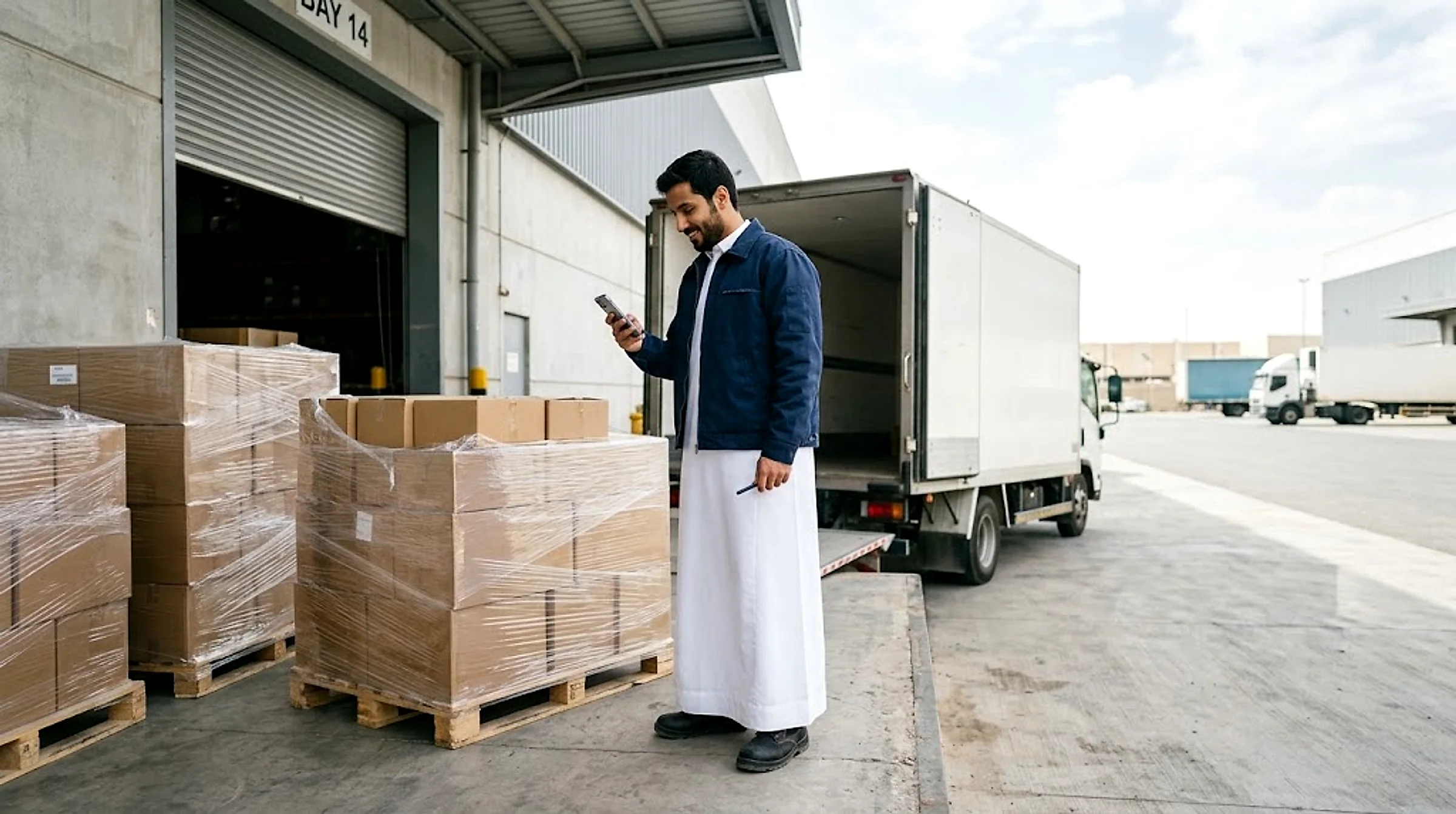
Distribution & Retail
Distribute goods to branches and stores at an upfront price per shipment, tracked live to delivery.
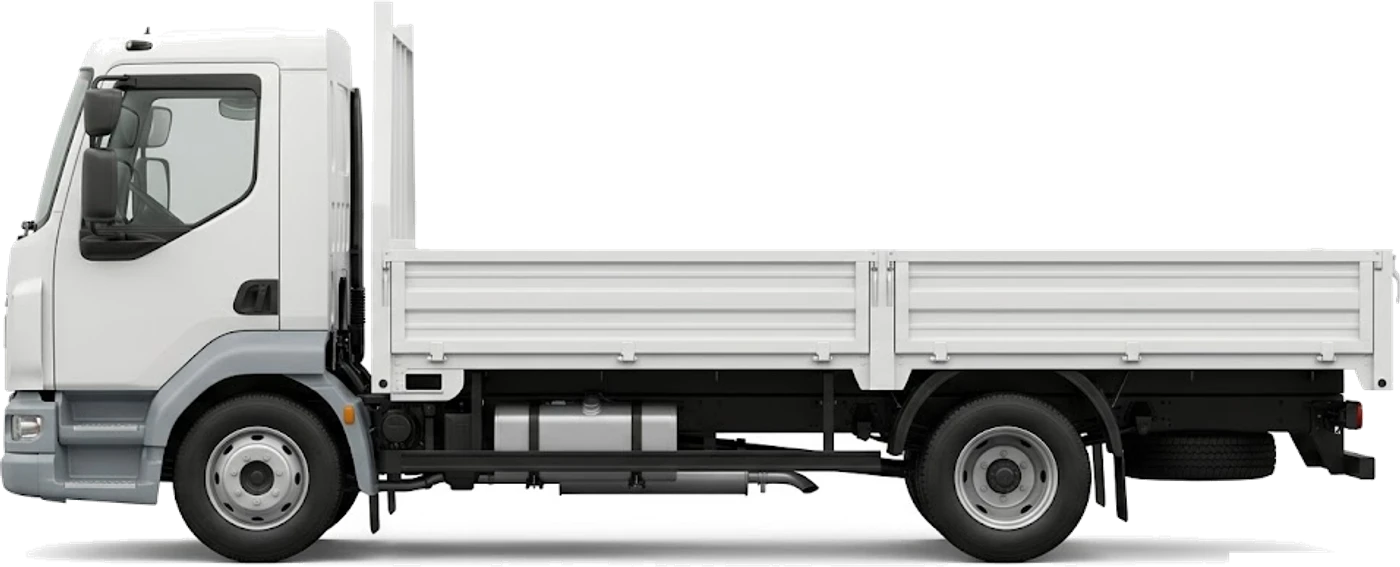
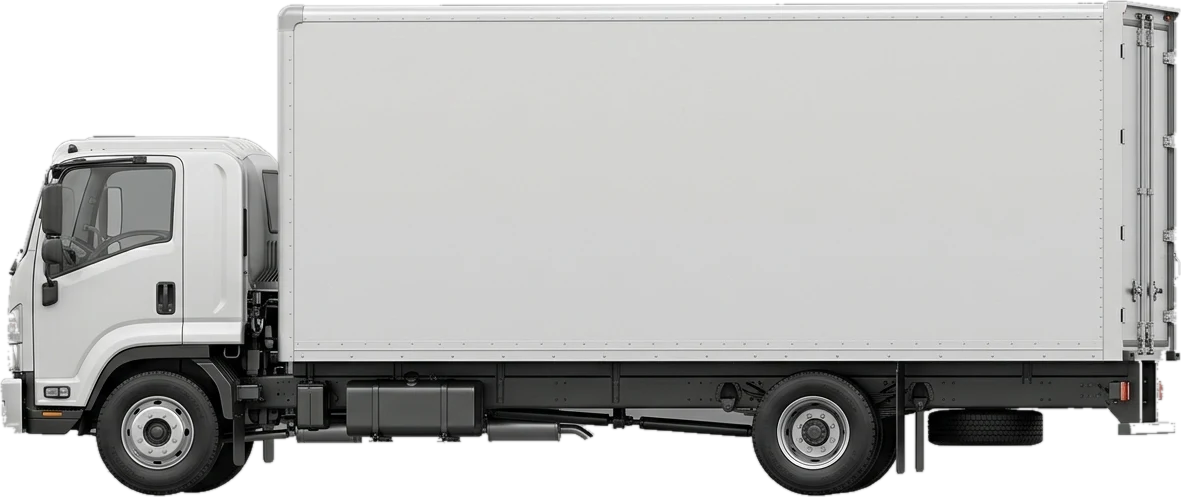
Distributing goods to branches and stores needs different truck sizes depending on the shipment: a dyna for medium orders, a box truck for goods that need cover from sun and dust. On Mirabk you book the right truck at an upfront price shown before booking, and track every shipment to the branch.
Typical loads
- Orders for shops and branches
- Cartons and pallets of consumer goods
- Electronics and appliances
- Packaging supplies and store materials
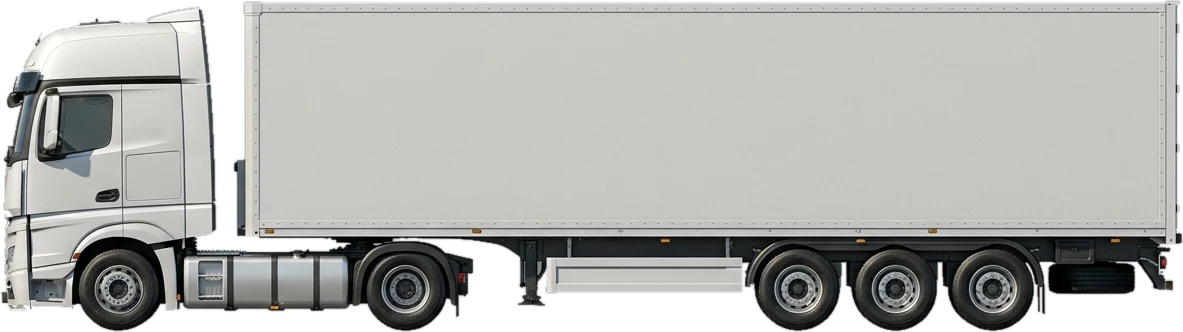
Recommended trucks
Checklist before you book
- 01Combine orders for nearby branches into one shipment where possible to cut trips
- 02Choose the truck type by shipment size, not by habit
- 03Give each branch a contact who can confirm delivery with a code
- 04Check branch opening hours when scheduling delivery times
Frequently asked questions
Distribution & Retail
What truck suits small orders across several branches?
A small dyna for light loads across a city, a large dyna or box truck for bigger volumes.
Can goods be protected from sun and dust in transit?
Yes — a box truck is fully enclosed and suits sensitive goods like electronics and consumer products.
How do I track each shipment to the branch?
You track the truck's position live in the app, and the receiver at the branch confirms delivery with a code.
Does the price change with the number of drop points?
The price is fixed and shown before booking, based on the route and truck chosen. It only changes after confirmation through a waiting charge after a free window at loading.
Related guides
Proof of delivery for B2B shipments: why it protects your business
Confirmation codes, photos, timestamps: how documented proof of delivery prevents billing disputes and proves a shipment arrived intact.
Truck types in Saudi Arabia: payloads, deck sizes and how to choose
The payload and deck length of every truck we offer, from Dyna to lowbed, and when to pick a Dyna, flatbed, trailer or reefer for your load in the Kingdom.
Book distribution & retail freight — your price shows before you book
Pick the truck and the route in the app, and your price appears and locks for that load before you book.