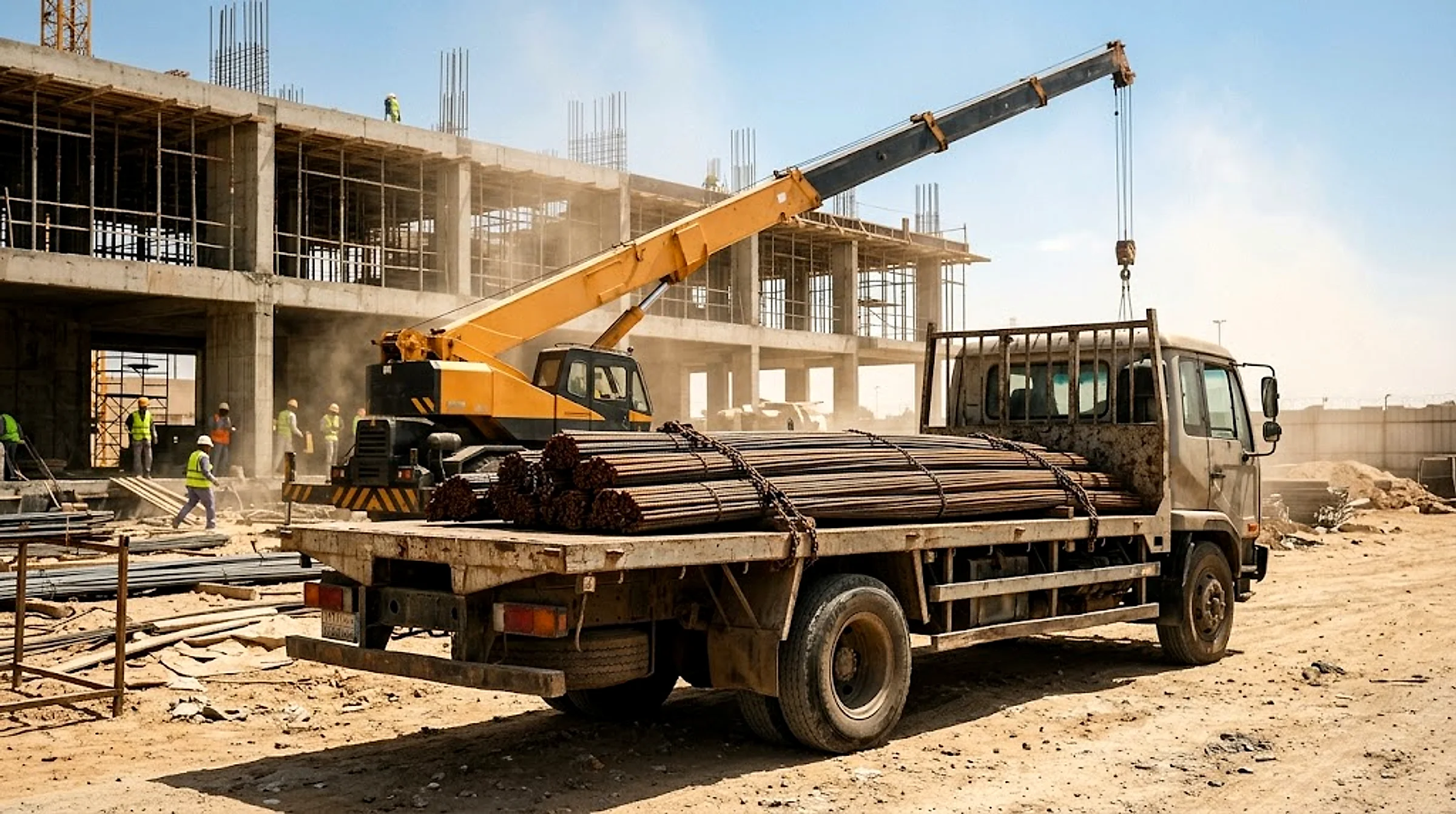
Construction & Contractors
Book construction-site freight — materials, steel and equipment — at an upfront price before loading, and track it to the site.
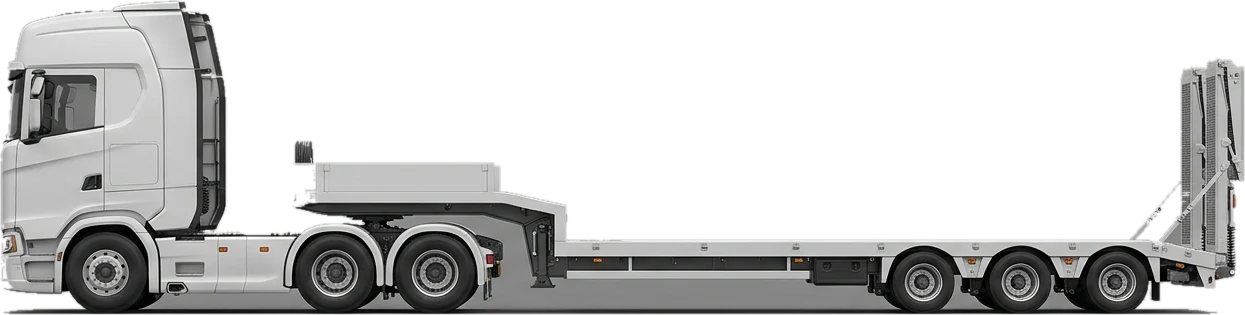
Construction sites need freight to land exactly when each stage needs it: steel and blocks before the pour, sand and fill on a tipper, heavy equipment on a lowbed. On Mirabk you choose the truck type and set pickup and drop-off, see an upfront price before you book, and track a verified driver to the site.
Typical loads
- Rebar and structural steel
- Blocks and stacked building material
- Sand, gravel and site fill
- Heavy equipment like excavators and loaders
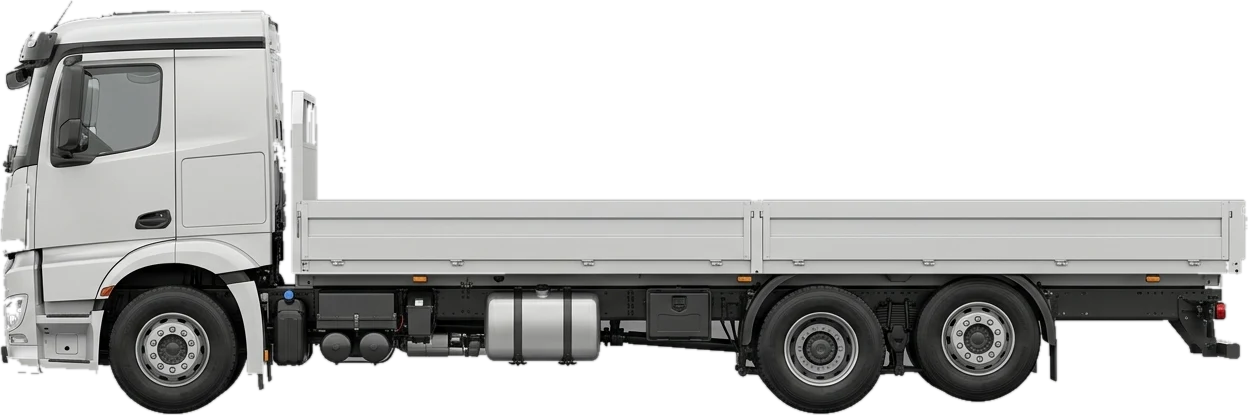
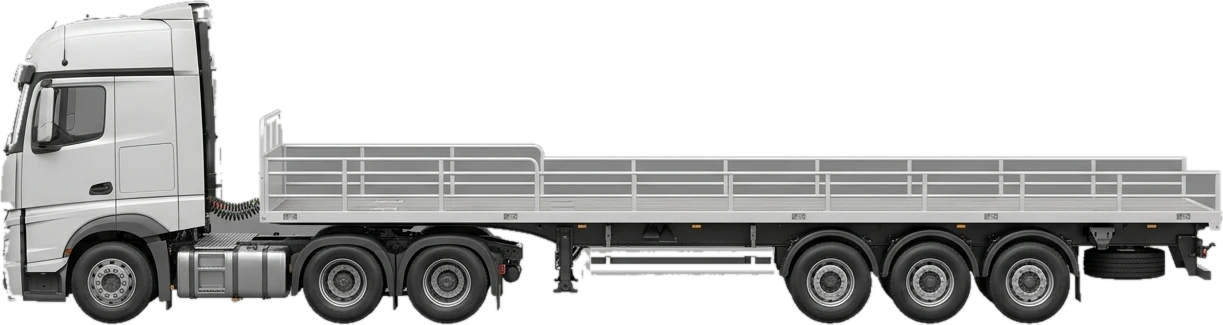
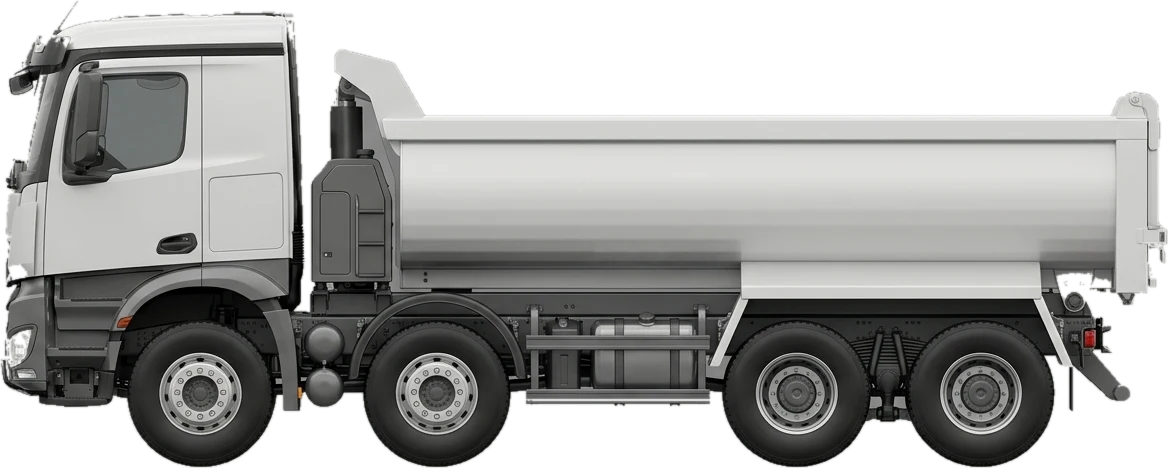
Recommended trucks
Checklist before you book
- 01Check gate width and turning space on site before choosing a truck size
- 02Decide the unloading method: forklift or crane for packaged material, tipping for loose material
- 03Schedule each delivery against the work stage that needs it, not all at once
- 04Give the driver a site contact who can direct them to the exact drop point
Frequently asked questions
Construction & Contractors
What's the difference between a flatbed and a tipper for building materials?
A tipper is for loose material such as sand or gravel that unloads by tipping the bed. A flatbed truck or trailer suits packaged or rigid material such as steel and blocks, loaded and unloaded by forklift or crane.
How do I move heavy equipment like excavators?
On a lowbed truck, built for wide or heavy loads such as excavators and cranes.
Can I schedule several deliveries to the same site?
Yes — book each delivery separately against the work stage it serves, and each booking shows its own upfront price before you confirm.
How do I know the price before booking?
You set the truck type and pickup/drop-off in the app, and an upfront, VAT-inclusive price appears before you book — no negotiation on site.
Related guides
Trucking construction materials: flatbed vs tipper vs trailer
Choosing the right truck for steel, blocks, sand and cement, planning site access, and scheduling deliveries to a construction site in Saudi Arabia.
Truck types in Saudi Arabia: payloads, deck sizes and how to choose
The payload and deck length of every truck we offer, from Dyna to lowbed, and when to pick a Dyna, flatbed, trailer or reefer for your load in the Kingdom.
Book construction & contractors freight — your price shows before you book
Pick the truck and the route in the app, and your price appears and locks for that load before you book.